Imagine locking your front door, putting the key safely in your pocket, and walking away—only to find out someone is already sitting on your couch. They didn’t pick the lock, and they didn’t break a window. They simply cloned your digital fingerprint while you weren’t looking.
This is the reality of Gmail Session Hijacking (sometimes called cookie theft or pass-the-cookie attacks). It is one of the most potent threats in modern cybersecurity because it completely bypasses traditional defenses like passwords and Two-Factor Authentication (2FA).
Here is a breakdown of how this threat works and how you can protect your account.
When you log into Gmail, Google doesn’t want to force you to enter your password and 2FA code every single time you click a new email or refresh the page.
To prevent this, once you successfully authenticate, Google drops a small file called a Session Cookie into your browser. This cookie acts like a digital “VIP Wristband.” As long as your browser presents this wristband, Google knows it’s you, and you stay logged in.
Session hijacking occurs when a cybercriminal steals that “wristband.” If they get ahold of your active session cookie, they can paste it into their own browser. Google’s servers will see the valid cookie and immediately grant them access to your inbox—no password or 2FA required.
Attackers have evolved past simple phishing links that just steal passwords. Today, they target the active session itself. Here is how they usually pull it off:
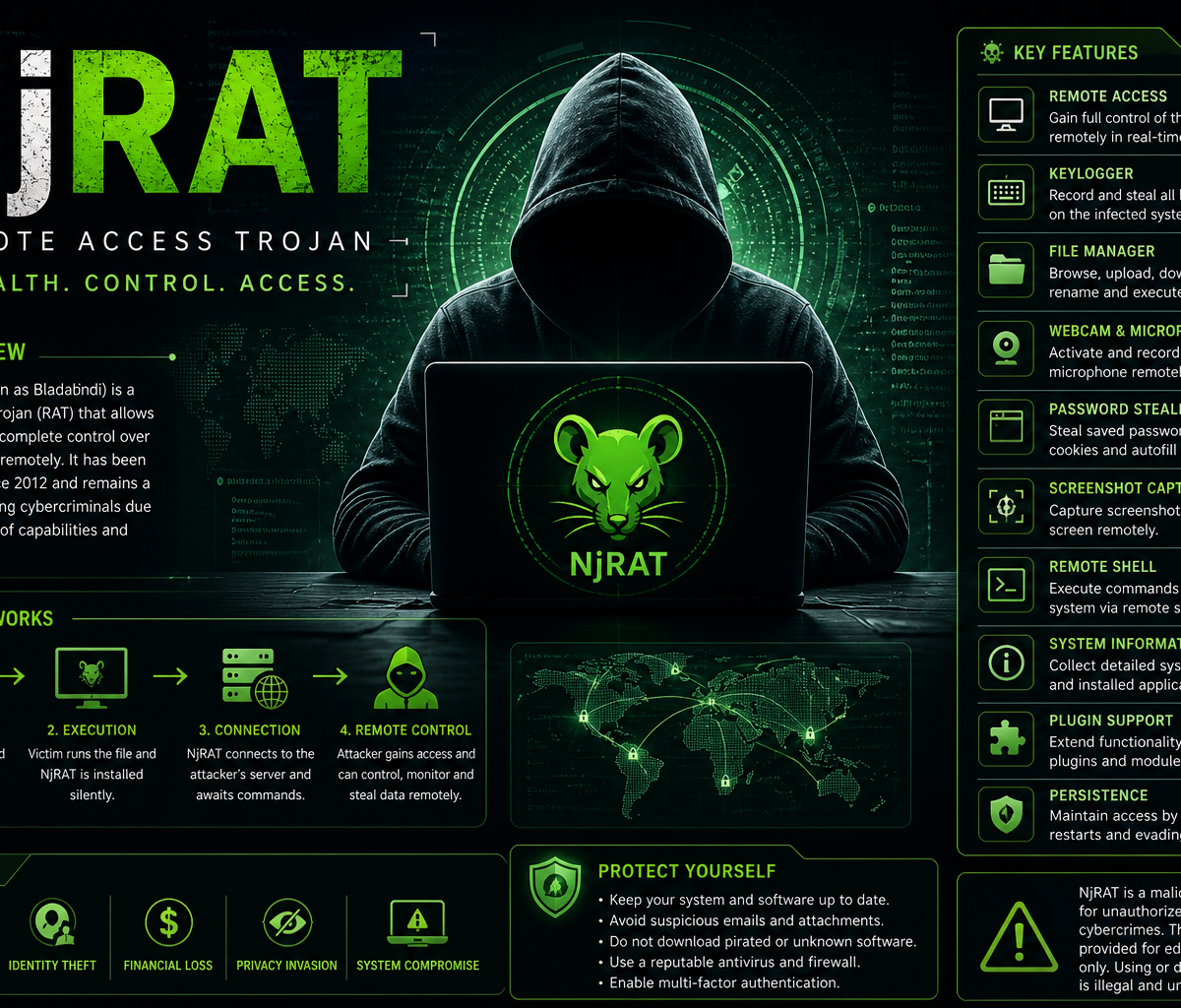
This is currently the most prevalent method. Attackers distribute malicious software disguised as legitimate files—like a cracked software installer, a fake game mod, or a PDF attachment in a spear-phishing email.
Once downloaded, the infostealer scans your browser’s local storage database (where session cookies are saved).
It extracts the active Gmail session cookies and sends them back to the attacker’s Command and Control (C2) server.
A user might install a seemingly harmless browser extension (like a free video downloader or a grammar checker).
Over time, the extension is either updated with malicious code or bought out by bad actors.
Because extensions often require permission to “read and change data on all websites,” they can silently scrape your active session tokens right out of your browser memory while you use Gmail.
Instead of a traditional fake login page, advanced phishing kits (like Evilginx) act as a proxy between you and the real Google login page.
You log in through the fake page; the kit forwards your credentials to the real Google site.
Google asks for 2FA, you provide it, and the kit forwards that too.
Google logs you in and issues a session cookie. However, because the phishing kit is sitting in the middle, it snatches the cookie before passing it to you.
It Bypasses 2FA: Because the attacker steals the result of a successful login (the cookie), they never have to trigger the login screen. Your hardware security keys, authenticator apps, and SMS codes are completely bypassed.
It Looks Legitimate: To Google’s automated security systems, the connection often looks like a continuation of an already trusted session.
Immediate Access: Once inside your Gmail, hackers can reset passwords for your bank accounts, corporate networks, and social media profiles linked to that email.
There are no reviews yet.